
The wallet includes a browser for Solana applications. An app can ask to see your address and ask you to sign things; it cannot do either without you saying yes.
What connecting grants
- Your public address
Yes. The site can read it and everything public associated with it.
- Permission to ask
Yes. It may propose transactions and signatures.
- Permission to spend
No. Every transaction needs a fresh approval from you.
- Your keys or recovery phrase
Never. They cannot leave secure storage and are not exposed to any page.
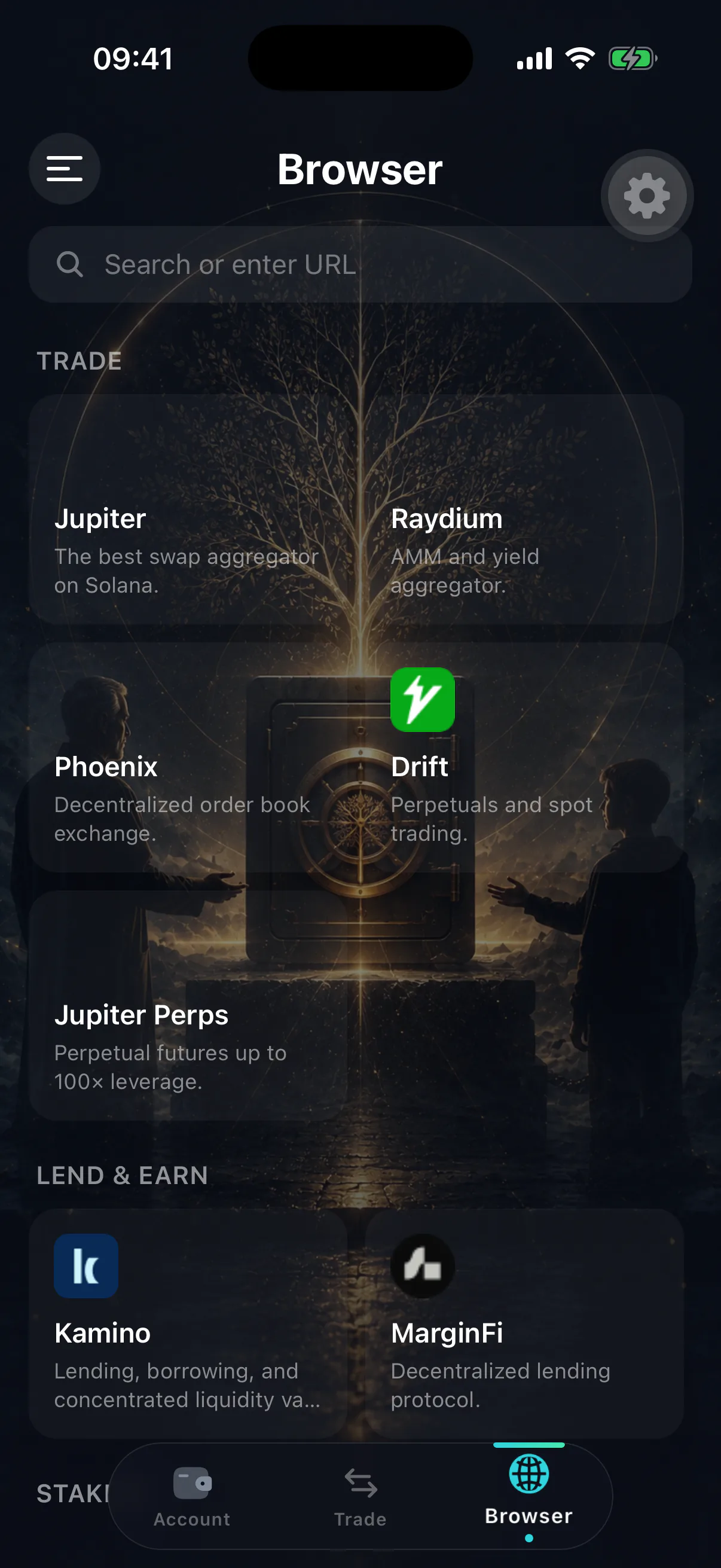
Approving carefully
Connecting is low risk. Signing is where the danger is, and the danger is concentrated in a handful of patterns:
- A transaction that transfers more than you expected. Check the amounts on the approval screen, not the ones on the web page.
- A token approval with no limit. Granting an unlimited allowance means the app can move that token later, without asking again.
- A blind message signature. If you cannot read what you are signing and the site cannot explain it, decline.
A signature is not a login
Phishing sites frame a draining transaction as “verify your wallet”, “claim your airdrop” or “fix your account”. There is no verification step in Solana that costs you funds. Any prompt framed that way is theft in progress.
Managing connections
Connected apps are listed in settings. Revoking removes the site's ability to propose anything further.
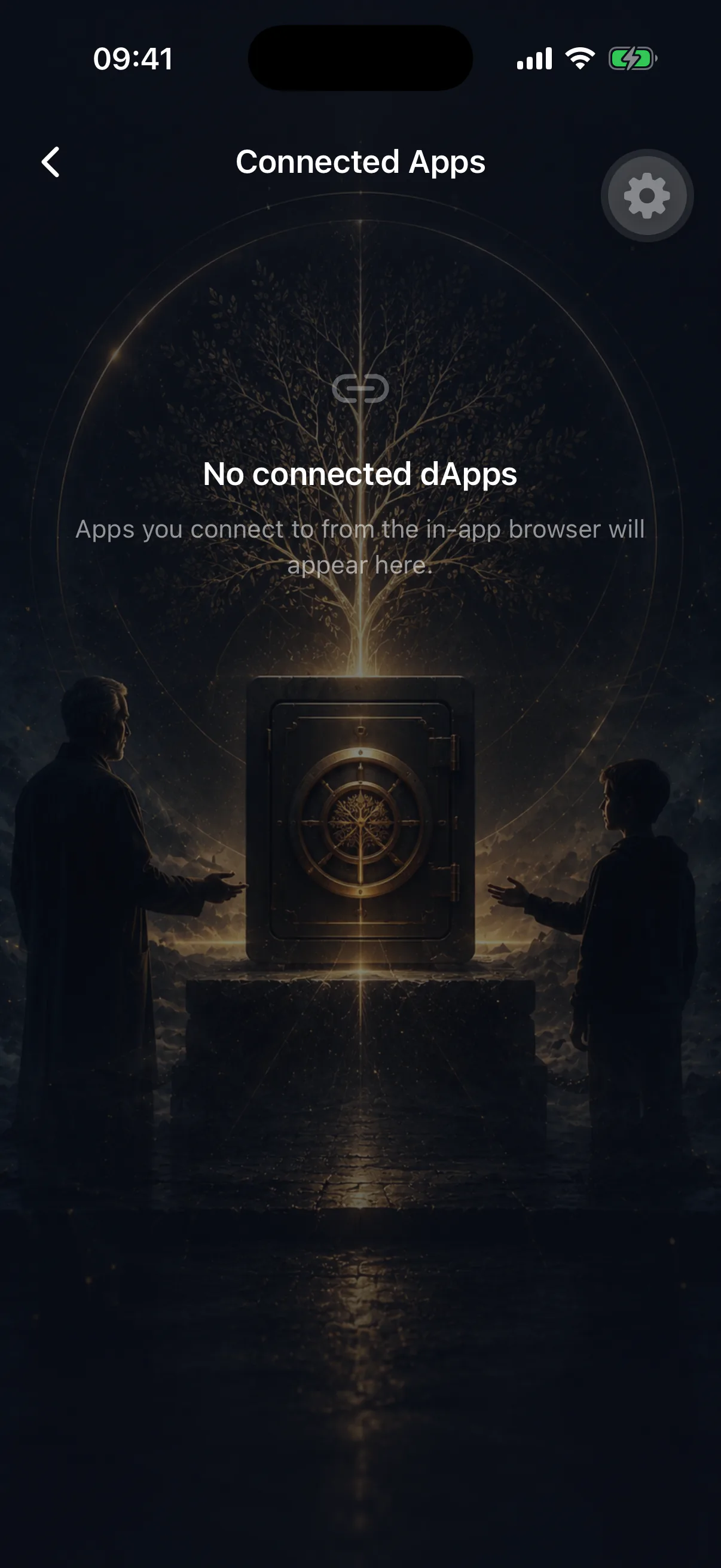
Revoke when you have finished with a site, when you no longer recognise a listing, and after any interaction you are unsure about. Revoking is free, instant, and costs you nothing but a reconnection later.
Revoking a connection is not revoking an allowance
If you granted a token allowance while connected, removing the site from your connected apps does not withdraw it. Allowances live on-chain and must be revoked on-chain, using a Solana token-approval revocation tool.
Keep the estate away from the experiments
The wallet that holds your inheritance configuration is the wallet you should be most conservative with. Connect to unfamiliar applications from a separate wallet, and keep this one for holding, depositing and checking in.