
Receiving is the easy direction: you share an address, someone sends to it, and the balance appears.
Your address
Tap Receive to see your Solana address and its QR code. You can copy it or let someone scan it.
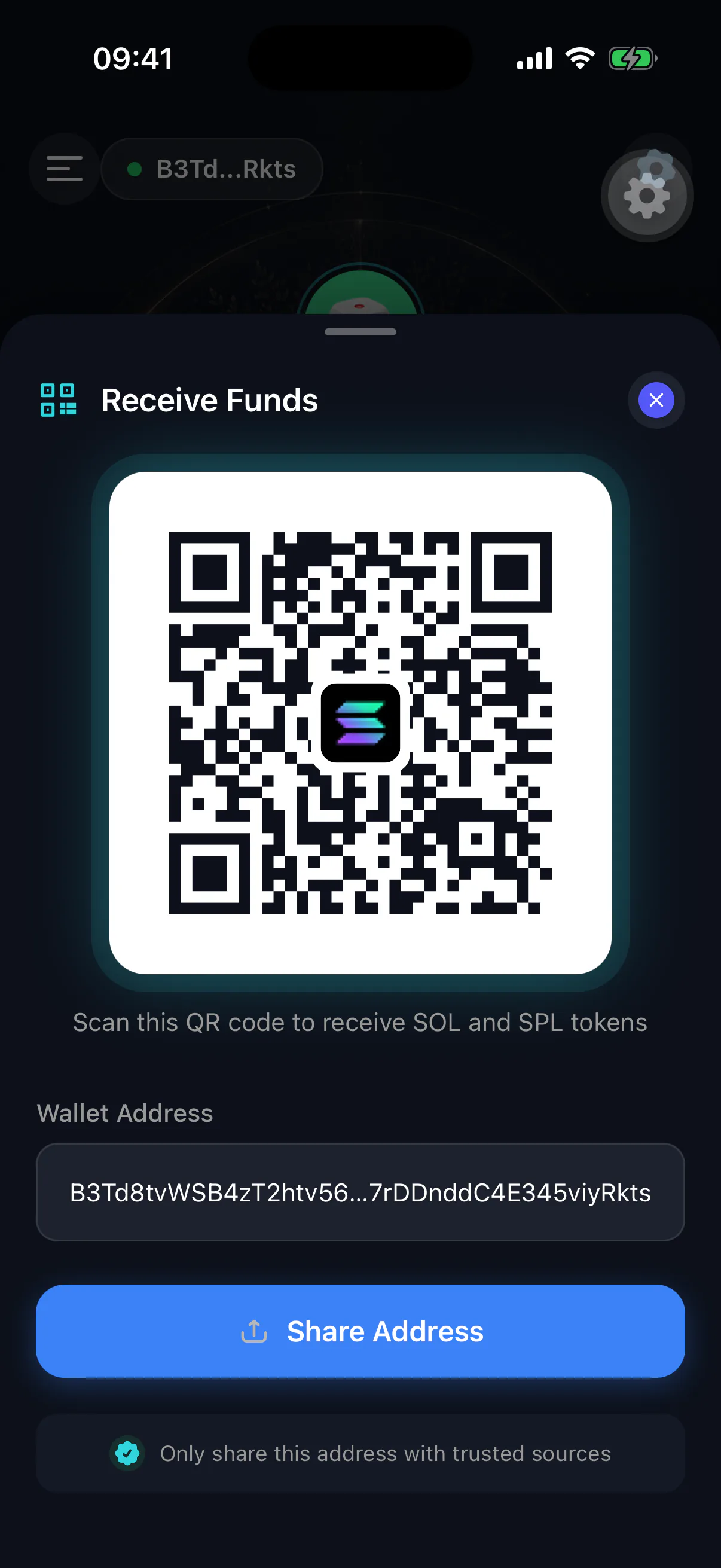
The address is public. It is not a secret, sharing it does not put your funds at risk, and it is the same address every time — Solana does not rotate addresses per payment.
Everything at that address is visible
A Solana address is a public ledger entry. Anyone who has it can see the full balance and transaction history. If you want a holding nobody can link to you, use a separate wallet for it.
Before a large transfer
- 01
Confirm the network is Solana
Sending Solana-native assets from an Ethereum or Bitcoin address does not work, and the funds are generally unrecoverable. If the sender is an exchange, the withdrawal screen must say Solana or SOL network.
- 02
Send a test amount first
A fraction of the total. Confirm it arrives and shows the right token before the rest follows.
- 03
Check the address character by character
Compare the first and last several characters at minimum. Clipboard-hijacking malware substitutes a similar-looking address, and a transfer to the wrong address cannot be reversed by anyone.
When it does not appear
Solana confirms in seconds, so a transfer that has not landed within a minute is usually one of:
- Still pending on the sender's side. Exchanges often batch withdrawals and can take much longer than the network does.
- Sent on a different network. Check the transaction on the sender's side.
- A stale view. Pull down to refresh. See my balance looks wrong.
- A token the app has not listed yet. Unusual SPL tokens may take a refresh or may lack public metadata; the balance is still on-chain either way.
Receiving does not extend your timer
Someone sending you funds is activity on the network, not activity by you. Only actions you take in the app — a heartbeat, a transaction you sign, a settings change — reset the inheritance timer. See the heartbeat and checking in.