
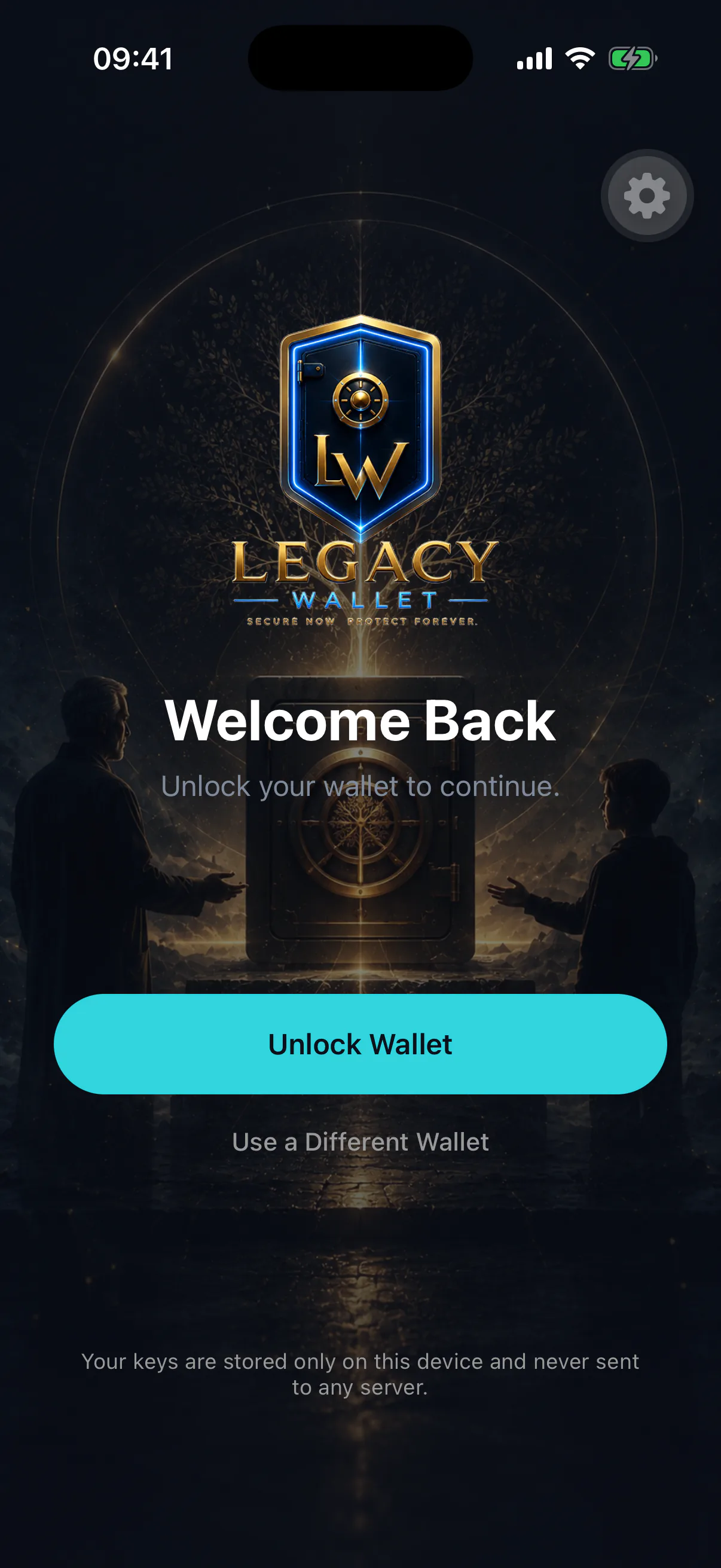
Biometrics are how the wallet knows it is you and not whoever picked your phone up. They gate the key itself, not just the screen.
What it protects
The private key sits in hardware-backed secure storage — the iOS Keychain or the Android Keystore — with a policy that requires biometric authentication before it can be read out.
That check happens when you unlock the app. The unlocked session then keeps a signer in memory, so transactions you make while the app is open are confirmed on a review sheet rather than by a second Face ID prompt.
An open, unlocked app can sign
Biometrics protect the app, not each individual transaction. Someone holding your phone while the wallet is open and unlocked can send funds. Lock the app when you put the phone down, keep the device auto-lock short, and treat an unlocked wallet the way you would treat an open safe.
It is a gate, not a copy
Your face is not your key and cannot regenerate one. If the device is lost, the recovery phrase is what brings the wallet back — see device loss and recovery.
When you will be asked
- Creating or importing a wallet
- Once, at setup
- Every signature
Sending, swapping, depositing to the inheritance vault, any on-chain action
- Unlocking after a break
Returning to the app after it has been backgrounded or the device locked
- Revealing secrets
Viewing your recovery phrase or exporting a private key
- Opening a vault item
Decrypting anything stored in the Legacy Vault
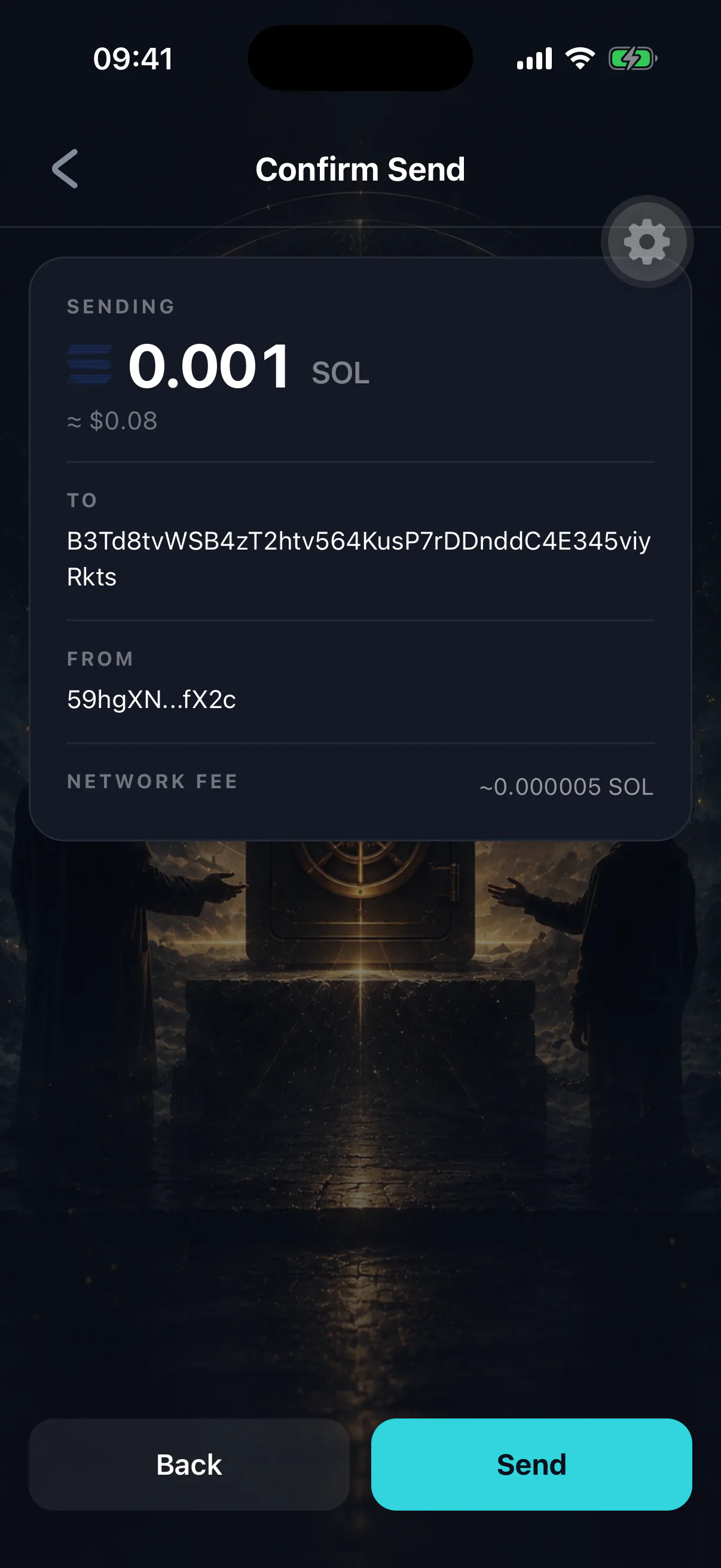
Reviewing what you approve
An approval prompt shows what is being signed — the destination, the amount, and for swaps the minimum you will receive. Read it. The prompt is the last moment before an irreversible action, and "just approving" is how people lose funds to a malicious app connection.
See connecting to apps for how third-party sites request signatures and how to revoke them.
If biometrics stop working
Failed scans. Wet hands, a mask, a cracked sensor. Fall back to the device passcode where the OS offers it.
Changed biometrics. Adding a new face or fingerprint at the OS level invalidates the stored authorisation on some devices, by design — it is a protection against someone enrolling their own face on your unlocked phone. You may be asked to re-authenticate.
Locked out entirely. If the device will not authenticate you at all, restore the wallet on another device from your recovery phrase. That is exactly the situation the phrase exists for.
A locked wallet still misses check-ins
If you cannot get into the app, you cannot send a heartbeat, and your inheritance timer keeps running. Deal with a lockout promptly rather than waiting — and see I missed my check-in if the timer moved on while you were locked out.