
Transfers cannot be reversed
There is no chargeback, no support recovery and no cancel. An address typed wrong is funds gone. Read the approval screen every single time.
Making a transfer
- 01
Choose the asset
SOL, or any SPL token you hold. Each token has its own balance and its own transfer.
- 02
Enter the destination
Paste, scan a QR code, or pick from a previous recipient. Then compare the first and last characters against your source.
- 03
Enter the amount
The maximum shown for SOL leaves enough behind to pay the fee. Sending literally everything leaves you unable to transact at all.
- 04
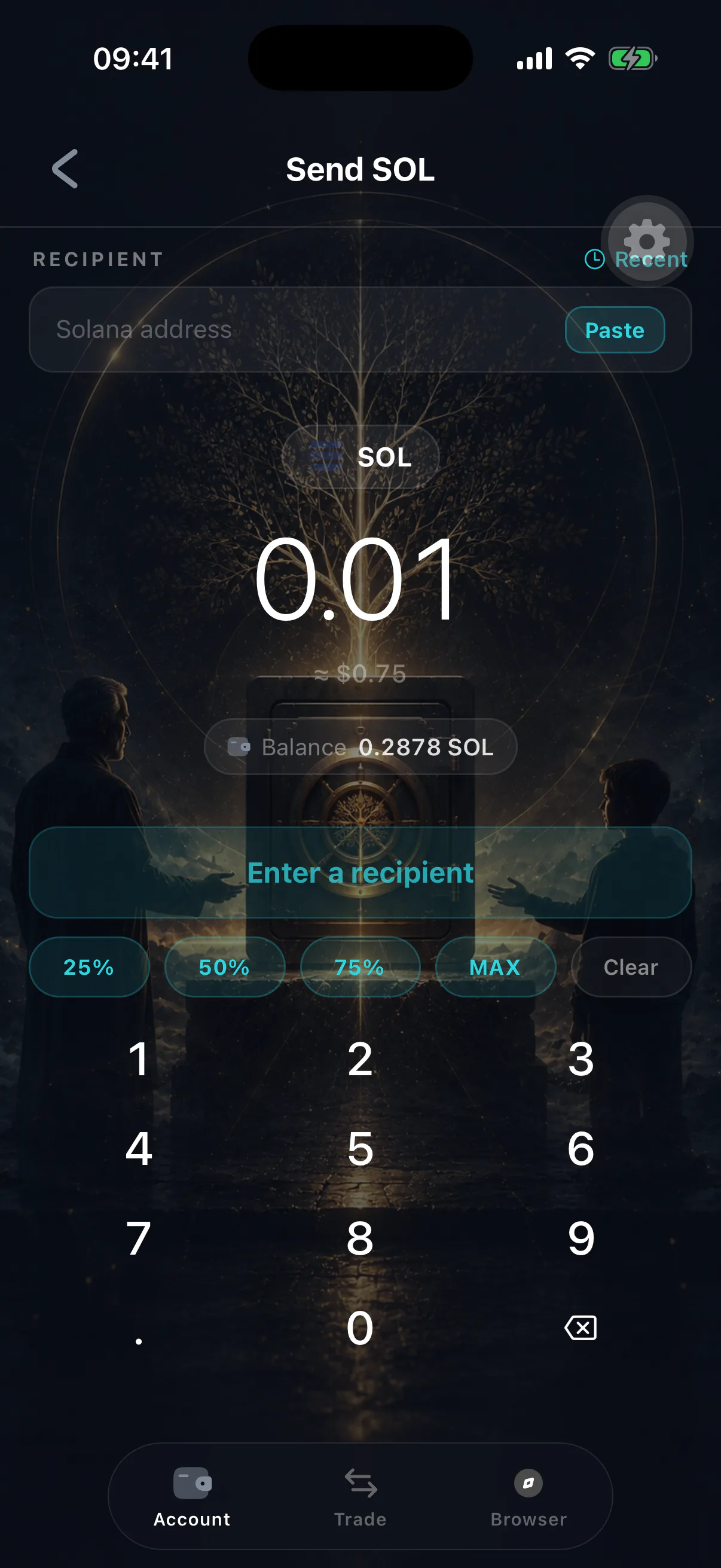
Review and approve
The approval screen shows the destination, the asset, the amount and the fee. Approving with biometrics signs and broadcasts it.
Reading the approval screen
The prompt is not a formality — it is the security boundary. Check:
- Destination — the full address, not a truncated preview.
- Asset — token symbols are not unique. Two tokens can share a ticker; the mint address is what identifies them.
- Amount — including decimal places.
- Fee — a normal Solana transfer costs a fraction of a cent. A surprising fee means something other than a simple transfer is being signed.
Fees and rent
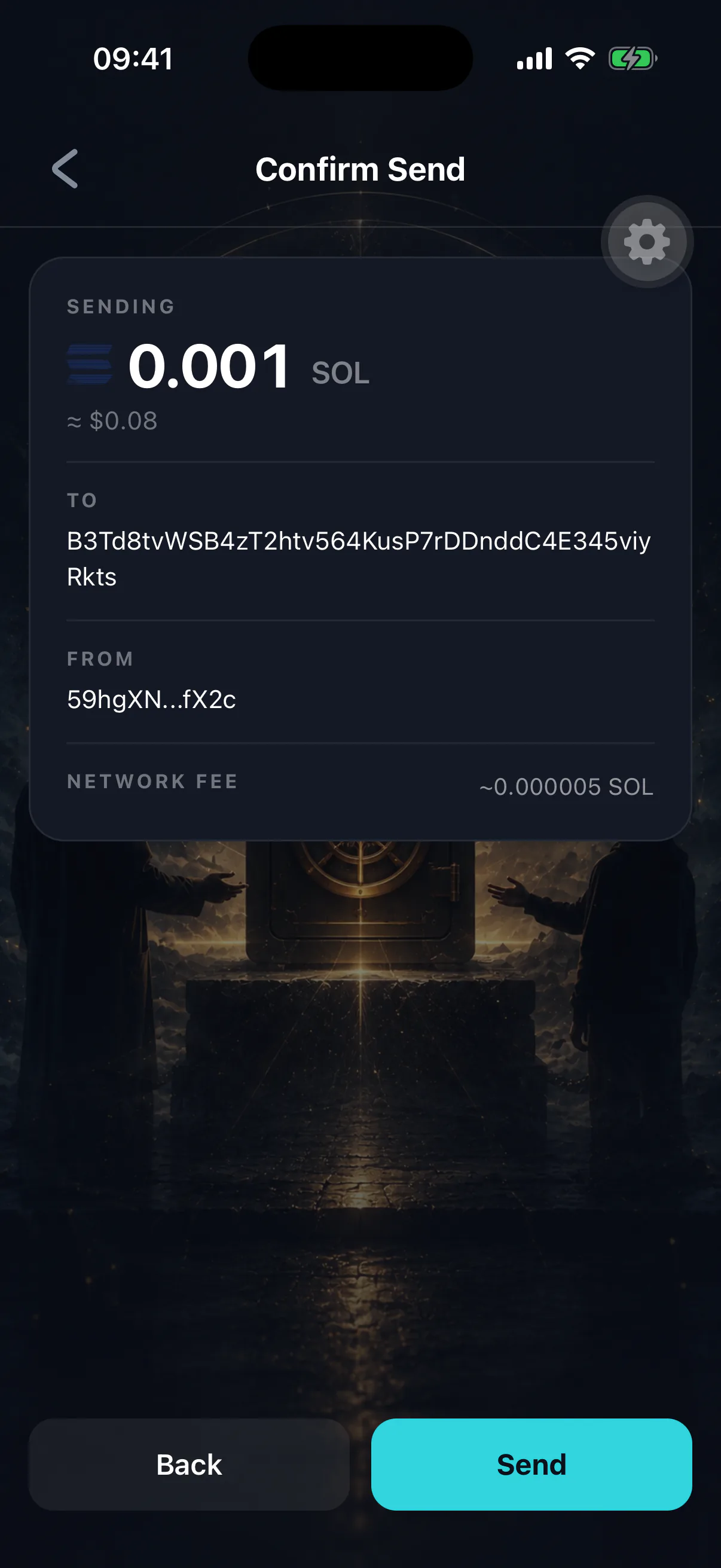
- Transaction fee
A few thousand lamports. Fractions of a cent in normal conditions.
- Token account rent
Sending an SPL token to an address that has never held it creates an account for it, which costs a small one-off deposit — paid by whoever sends.
- Keeping a buffer
Always leave enough SOL for several transactions, including your inheritance check-ins.
If it fails
Solana transactions fail fast and cleanly. A failed transaction generally means nothing moved, though the fee may still be spent. The usual causes are insufficient SOL for the fee, an expired blockhash on a slow connection, or network congestion. See a transaction failed.
Sending counts as activity
Every transfer you sign is proof you are alive, so it resets your inheritance timer along with everything else you do in the app. See the heartbeat and checking in.