
If you already have a Solana wallet, you can bring it in rather than starting over. The imported wallet behaves identically to a generated one — same secure storage, same biometric approval, same access to the Switch and the vault.
Before you start
Importing copies, it does not move
The same key can exist in several wallets at once. Importing here does not disable the wallet anywhere else, and anyone who still holds that phrase still controls the funds. If the phrase has ever been exposed, move to a fresh wallet instead of importing the compromised one.
Also worth thinking about first: a wallet you have been pasting into browser extensions and connecting to random sites for two years is not the wallet you want holding an estate. A clean wallet created on the device is a better foundation.
What you can import
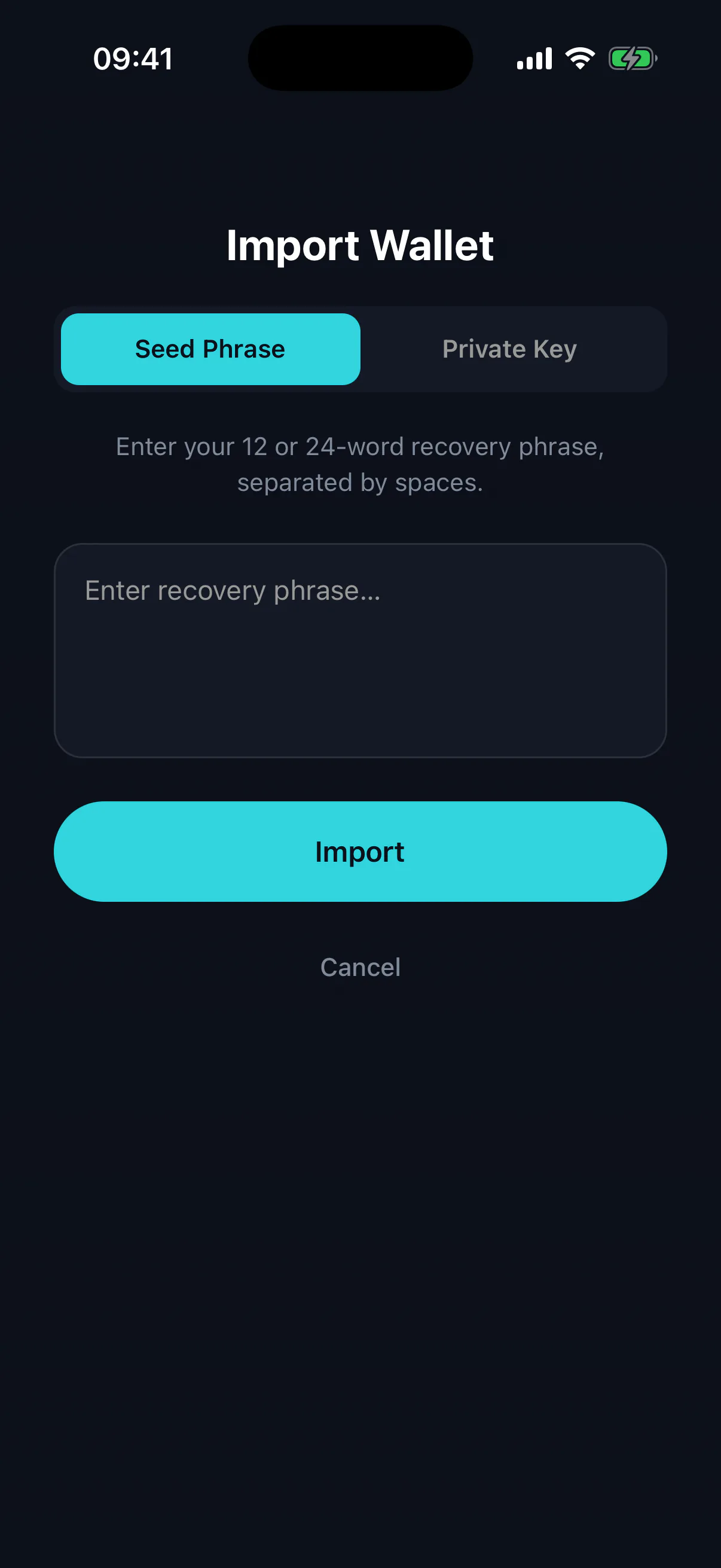
- Recovery phrase
A 12 or 24 word BIP39 mnemonic. The standard case.
- Private key
A raw Solana secret key, base58 encoded. Works, but has no phrase behind it — the key string itself is your only backup.
- Hardware wallets
Not supported yet. A ledger-style device cannot currently be used with the Switch.
Doing it
- 01
Choose “Import an existing wallet”
From the welcome screen, or from the account menu if you already have a wallet on the device and want to add another.
- 02
Type the phrase
Enter the words in order. Type them rather than pasting where you can — a clipboard is readable by other apps, and phrases have been stolen that way.
- 03
Approve with biometrics
The derived key is written to the iOS Keychain or Android Keystore, guarded the same way a generated key is.
- 04
Check the address
Compare the address the app shows against the one you expect from your other wallet. If it does not match, you have a typo, or your other wallet uses a non-standard derivation path.
If the address is wrong
Almost always a mistyped word — the checksum in a BIP39 phrase catches a misspelling, but not a valid word in the wrong position. Re-enter carefully.
If every word is right and the address still differs, your original wallet may derive its account from a different path. Import there is not currently configurable; the practical workaround is to send the funds from the original wallet to the address Legacy Wallet shows you.
After importing
Re-check your backup. Importing proves the phrase you typed works today; it does not prove the copy in your safe is correct. See backing up your recovery phrase.