
Your recovery phrase is the wallet. Everything else — the app, the device, the biometrics — is a convenient way to use it. Losing the phrase is the one failure this system cannot help you with.
The rules
Offline. Paper or steel. Anything that syncs is a copy on someone else's computer.
At least two copies. One is a single point of failure. A house fire that takes the phone and the only paper copy takes the wallet.
Different places. Two copies in the same drawer is one copy. Aim for locations that a single burglary, flood or fire cannot reach together.
No photographs. A photo goes into a camera roll, which goes into a cloud backup, which is a search away from anyone who ever gets into that account.
No cloud notes, no password managers, no email drafts. Every one of those has been the source of real losses.
Nobody can restore it for you
There is no account recovery, no support override, no reset link. We do not have your phrase and cannot get it. That is the same property that makes it impossible for us — or anyone else — to take your funds.
Practical setups
Reasonable, in ascending order of effort
- Paper, two locations
Written clearly, sealed, one at home and one somewhere trusted. Fine for modest amounts.
- Steel backup plate
Stamped or engraved metal, fire and water resistant. Worth it once the wallet holds serious value.
- Split with a passphrase
Phrase in one place, BIP39 passphrase in another. Neither half is useful alone. More robust, and more ways to lock yourself out — keep two copies of each half.
- Bank deposit box or solicitor
Good against theft and fire. Note that access after your death is a legal process, so pair it with clear instructions in your Legacy Vault.
Check it
An unverified backup is a guess. Once a year, take the paper out and read it against the phrase the app can show you in the account settings — behind biometrics — and confirm every word matches, in order.
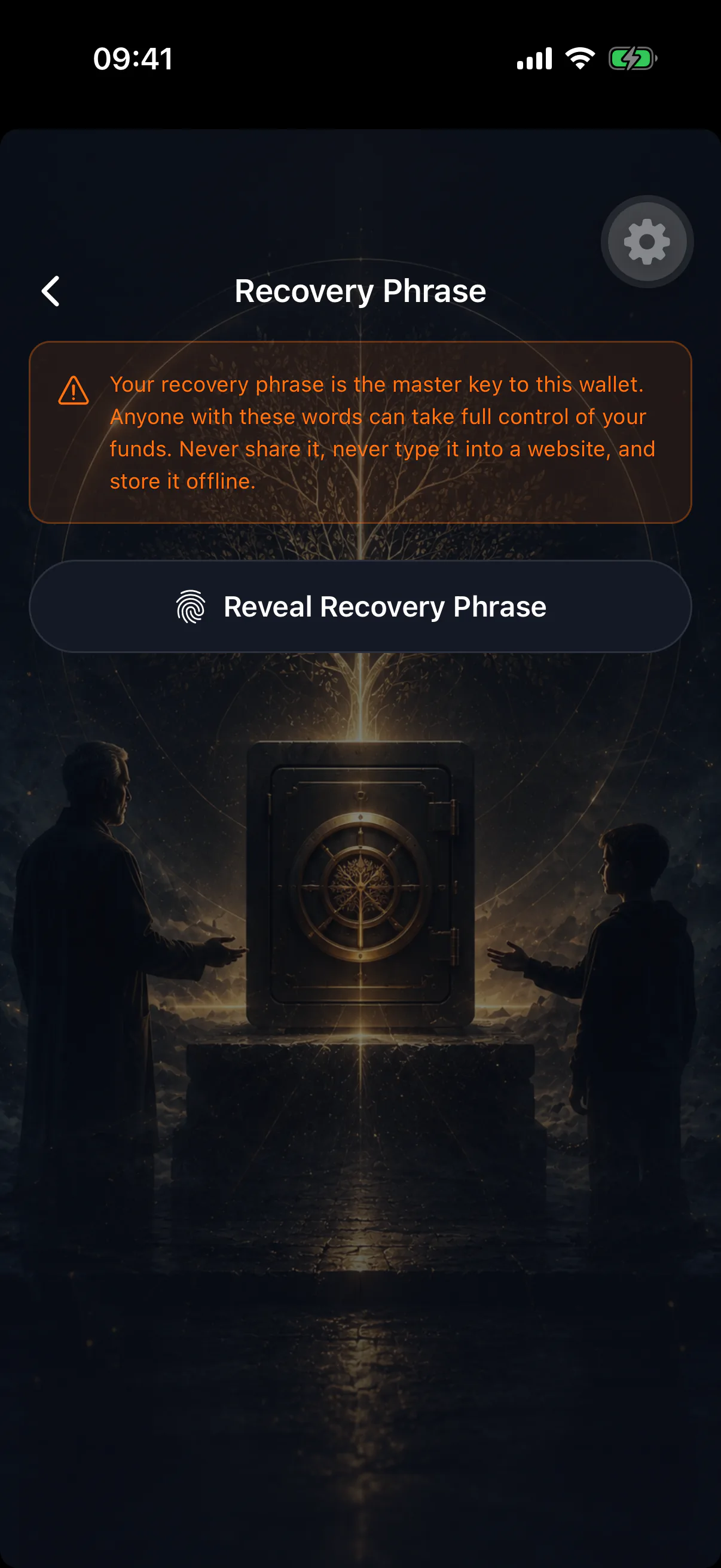
While you are there, confirm you can still get into the place you stored it. People forget safe combinations far more often than they lose the safe.
What this has to do with inheritance
Nothing, and that is the point people miss. The Switch protects your heir: it moves an estate to them if you stop showing up. It does nothing for you if you lose your own access while you are alive and well.
The backup above is what protects you. Both are needed.
Telling your heir where it is
Do not put the phrase itself where an heir can read it early. What you should leave them is a pointer — "the steel plate is in the safe, the combination is with my solicitor" — as a secure note in the Legacy Vault, which is only readable after a claim finalizes. See storing a recovery phrase for how the app handles phrases for wallets it cannot escrow on-chain.