
Legacy Wallet is a native mobile app. There is no browser extension and no web wallet — the security model depends on the phone's secure hardware, which a web page cannot reach.
Only install from the official listings
Fake wallet apps are the single most common way people lose crypto. Install only from the App Store or Google Play listings linked from thelegacywallet.app. Never install a build sent to you by a person, a DM, or a support agent.
Requirements
- iOS
- iOS 16 or later, on a device with Face ID or Touch ID
- Android
- Android 10 or later, with a hardware-backed keystore
- Account needed
- None for the wallet. An optional Legacy Account (email and password) is needed only for the paid plan
- Network
- Required for balances and any on-chain action
A device without a working biometric sensor can still run the wallet, but the device passcode becomes the only barrier in front of signing. That is a real downgrade; use a device with biometrics if you can.
What the app asks for
Biometrics. Requested the first time you create or import a wallet. Approving a signature is the point at which the app proves it is you, so this is not optional in practice.
Notifications. Requested later, in context — after you set up the Switch, or when you start watching someone as their heir. There is no permission prompt at first launch. If you decline, you lose the timer warnings, which is the safety net that stops an accidental inheritance. See warnings and notifications.
Camera. Only when you scan a QR code — an address, or a connection request.
What the app never asks for
- An email address or a password to create a wallet.
- Your recovery phrase, except in the one place you type it yourself to import an existing wallet.
- A payment or a subscription to hold your own keys.
If any screen, message or person asks you to type your recovery phrase somewhere other than the import screen, it is an attack. Read protecting yourself from scams.
First run
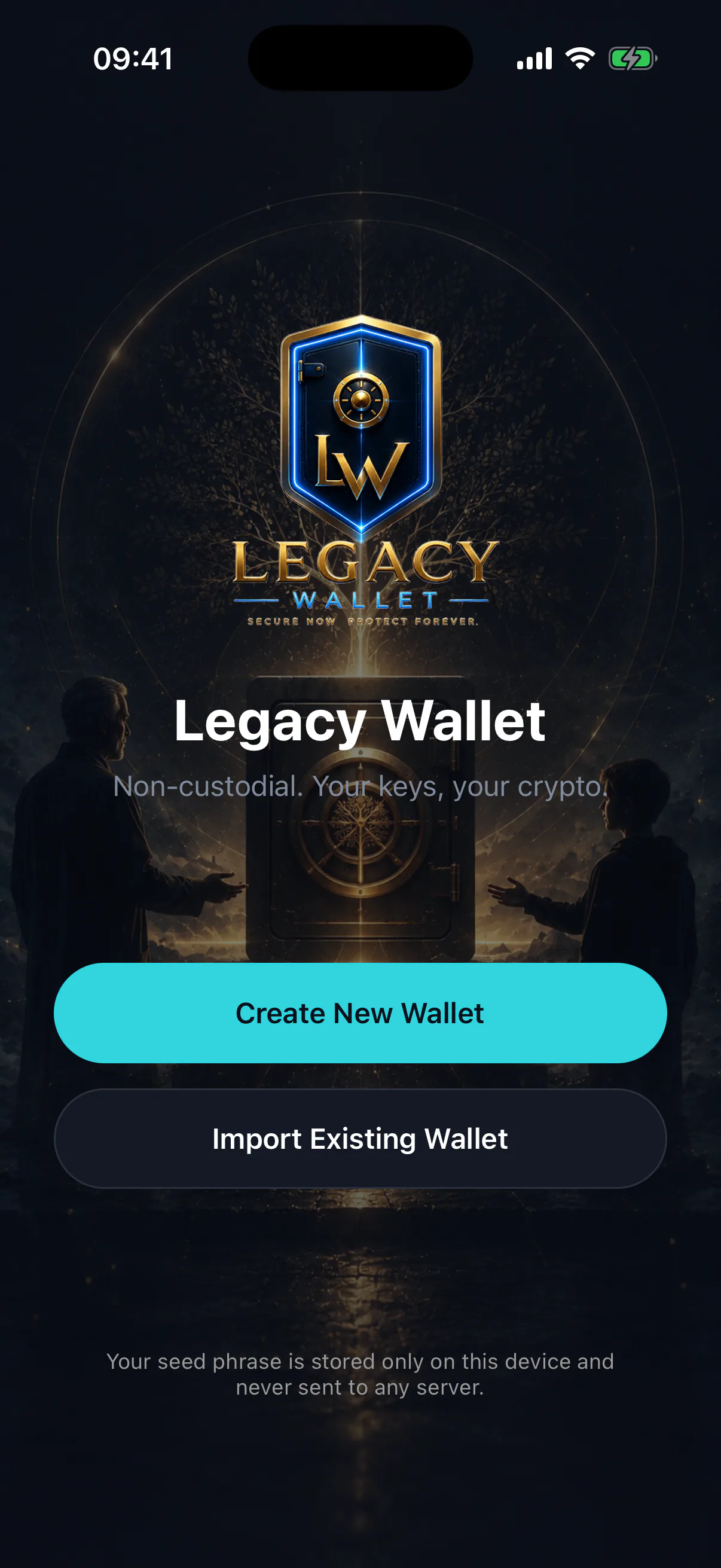
The welcome screen offers two paths:
- Create a new wallet — generates a fresh recovery phrase on the device. See creating your wallet.
- Import an existing wallet — brings in a wallet you already control, from a recovery phrase or a private key. See importing an existing wallet.
Neither path contacts a server with anything secret. Both produce a wallet that is yours alone from the first second.