
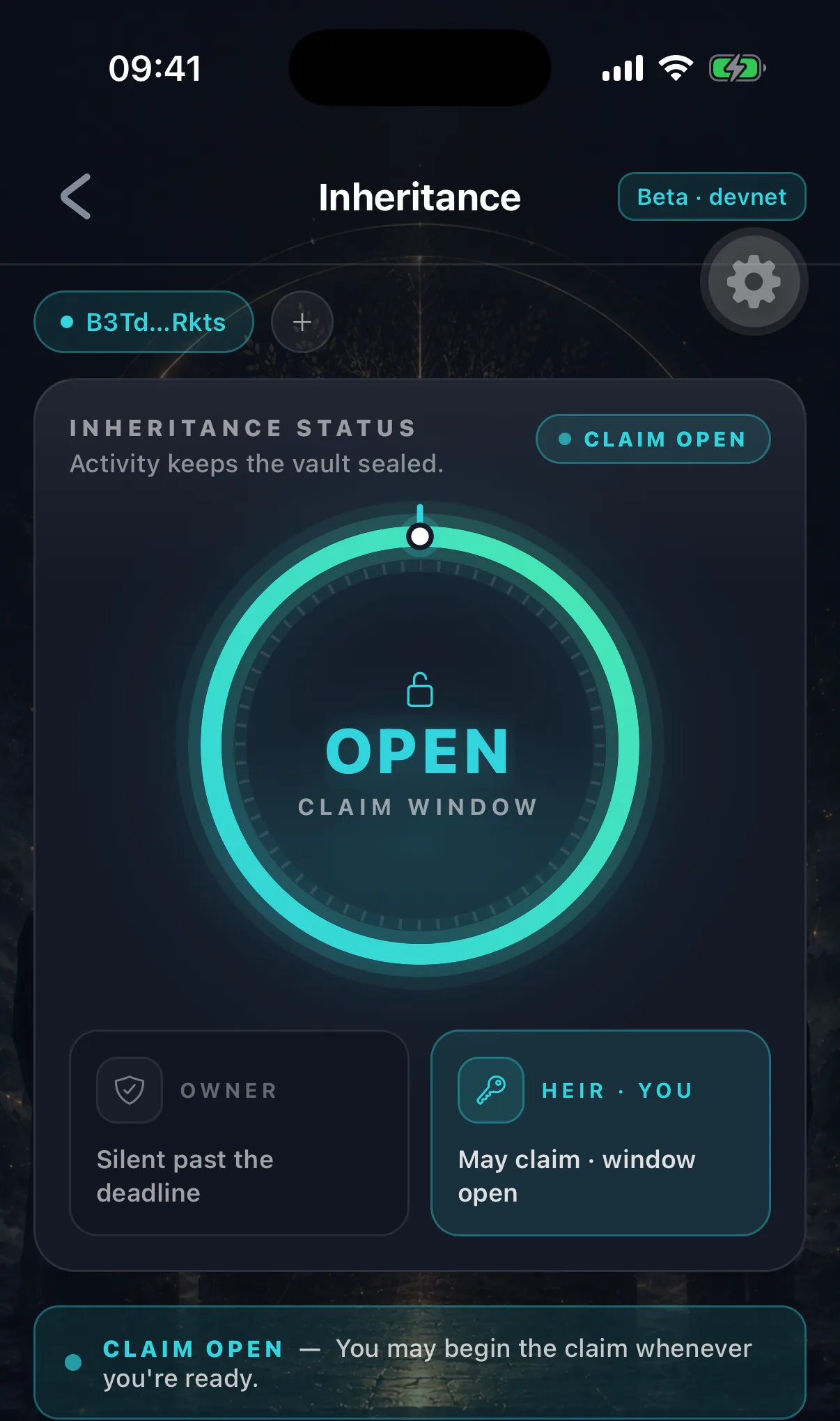
Starting a claim is the first of three separate actions you take. It moves nothing.
When you can
Only after the owner's inactivity timer has fully elapsed, and only if you are the confirmed heir. The program checks both on every attempt; there is no way to start early.
If the option is unavailable, the timer has not elapsed or your acceptance is missing. See accepting the heir role.
Before you start
- 01
Try to reach them
Message, call, visit. A lapsed timer is far more often a lost phone than a death.
- 02
Ask people who would know
Family, colleagues, neighbours. Someone usually knows where they are.
- 03
Check for the obvious explanations
Hospital, travel, a new phone never set up, an account they forgot existed.
- 04
Then start the claim
Once you are reasonably confident, and understanding that they can cancel it by simply opening the app.
Starting a claim is visible
The owner is notified as soon as you do it, and the change is public on-chain. If they are alive and simply distracted, this is what tells them. That is a feature — but it also means a premature claim is a conversation you will have to have.
Doing it
One transaction, signed from your wallet, costing a network fee. The claim status becomes challenge active and the countdown begins.
Nothing transfers. The vault stays sealed. Nothing about the estate is available to you yet.
What happens immediately
- The owner is alerted
Through their app and any contact route they registered.
- The challenge window opens
Seven days by default; the owner sets it.
- They can cancel by existing
Any activity in their wallet clears the claim and resets their full timer.
- You wait
Nothing further is possible until the window closes.
If it is cancelled
The claim disappears and the owner's inactivity timer restarts from zero. You are back to watching, and would have to wait the full span again before another claim.
The fees you paid are not refunded. That is the cost of a claim made in good faith, and it is small.
Take it as good news. It means they are alive.