
Claims are slow on purpose. There are three separate on-chain steps between "the timer ran out" and "the assets moved", with a waiting period in the middle.
The sequence
- 01
The timer lapses
Your last heartbeat is now older than your inactivity timer. Nothing happens automatically — this only means a claim has become possible. Opening the app here resets everything, as always.
- 02
Your heir starts a claim
A signed transaction from their confirmed wallet. The program checks the timer has genuinely elapsed and that they are the confirmed heir. Status becomes “challenge active”. Nothing has transferred.
- 03
The challenge window runs
Seven days by default. You are notified that a claim was started, and again shortly before the window closes. Any activity by you cancels the claim outright.
- 04
The window closes
If you have not appeared, your heir can finalize. This is a second signed transaction from them — the switch does not fire on its own.
- 05
Finalization
Status becomes finalized. Two things become possible: your heir can withdraw the deposited assets, and the Legacy Vault becomes readable to them.
- 06
Withdrawal
A further signed transaction moves the deposited assets to their wallet.
Nothing is automatic
Every step needs someone to sign something. A claim that nobody finalizes just sits there. This is why an heir who does not know they were named is a real failure mode — see choosing your heir.
You cannot watch a challenge run
There is no screen where an owner sits and watches the countdown. Unlocking the app checks the chain and cancels the claim within a second or two — the act of looking is the act of stopping it. What an owner actually sees is the notice that it has already been stopped, below.
The countdown is therefore an heir-side view. It is shown here so you know what is happening on the other side of it.
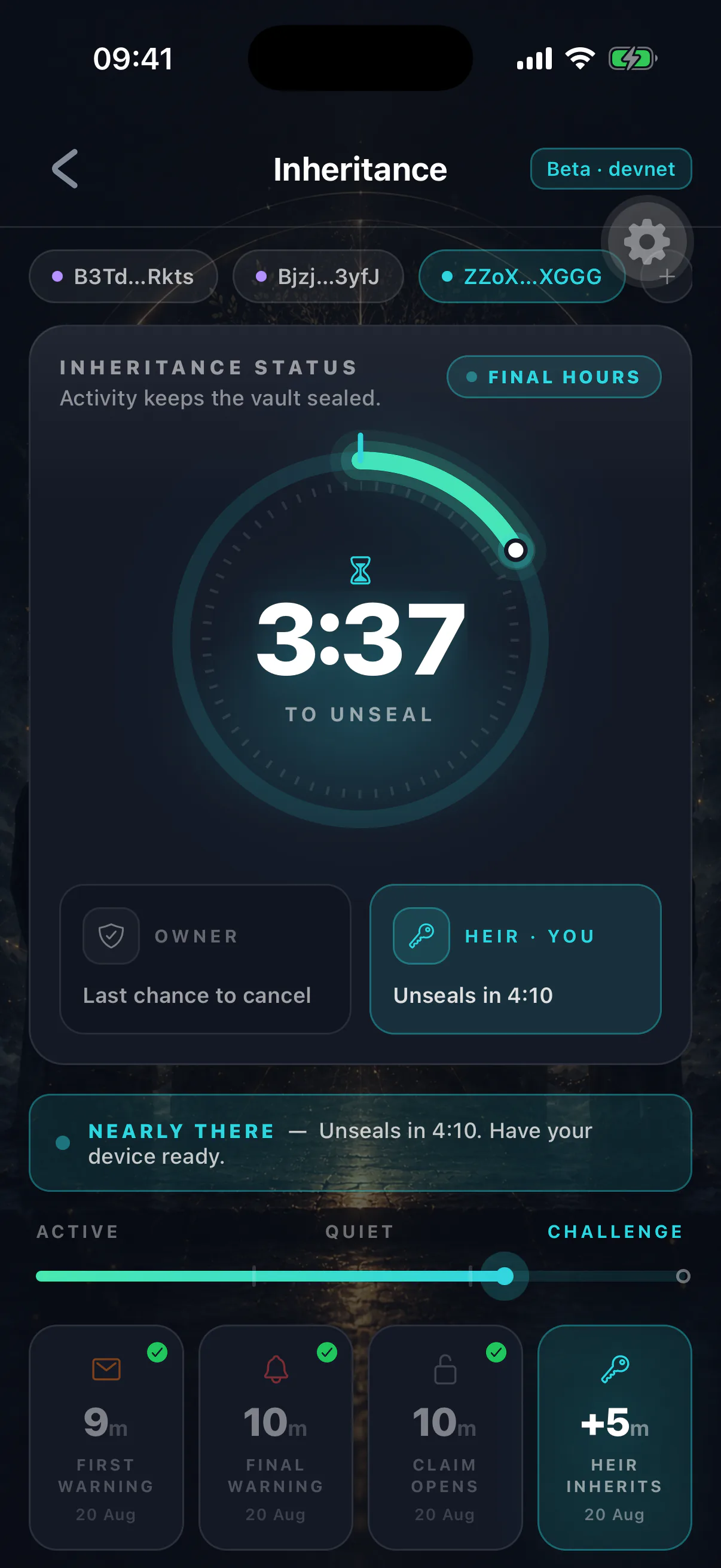
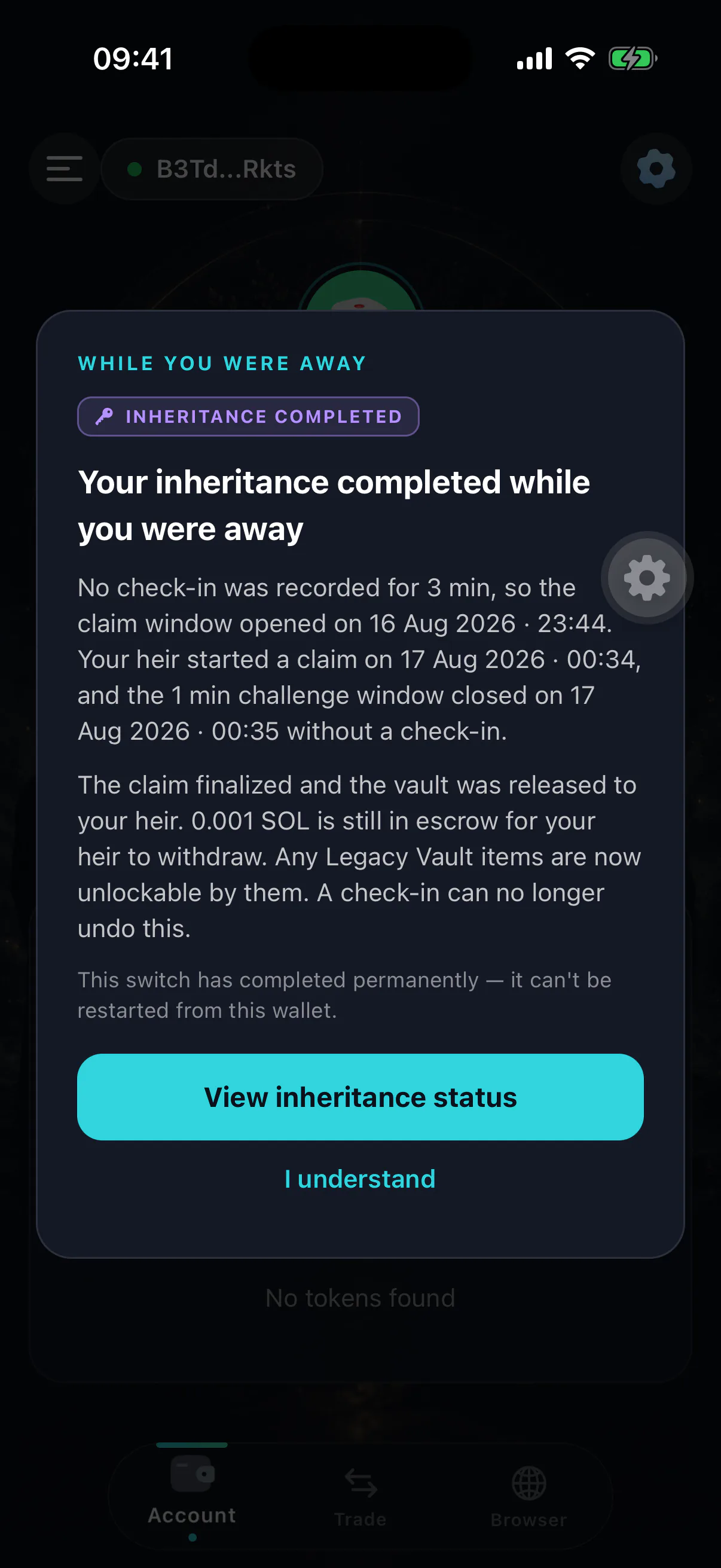
What you see if you come back
Opening the app during any of this shows you what happened while you were away — whether the timer lapsed, whether a claim was started, and whether it finalized.
If a claim is live, cancelling is immediate and requires nothing more than being there. See cancelling a claim.
What your heir sees
Their side shows the same on-chain facts: your status, the countdown, and what they are able to do at each stage. They cannot see your vault contents, your balance outside the inheritance vault, or anything else private. See starting a claim.
What the program refuses
- A claim before the timer elapses
- Rejected
- A claim by an unconfirmed heir
- Rejected
- A claim by anyone other than the named heir
- Rejected
- Finalizing before the window closes
- Rejected
- Withdrawing before finalization
- Rejected
- A second claim while one is active
- Rejected
These are program constraints, checked on every attempt, not interface restrictions. There is no privileged caller who can skip them.
If it finalizes and you are alive
Finalization is treated as terminal so that a returning owner cannot strip an heir of what was already granted. There is a separate reclaim path for a genuine false trigger, available only after a grace period during which the heir could have withdrawn. See I missed my check-in.