
Solana fails fast and atomically. A transaction either does everything it said it would, or it does nothing.
A failure is not a loss
With very rare exceptions, a failed transaction means your funds are exactly where they were. The fee may have been spent; the transfer did not half-happen.
Most failures never reach the chain
The wallet simulates every transaction against a recent state of the network before it asks you to sign. If the simulation fails, it stops and shows you the error rather than submitting. Nothing is signed, nothing is sent, and no fee is charged — the screenshot below is a send refused this way.
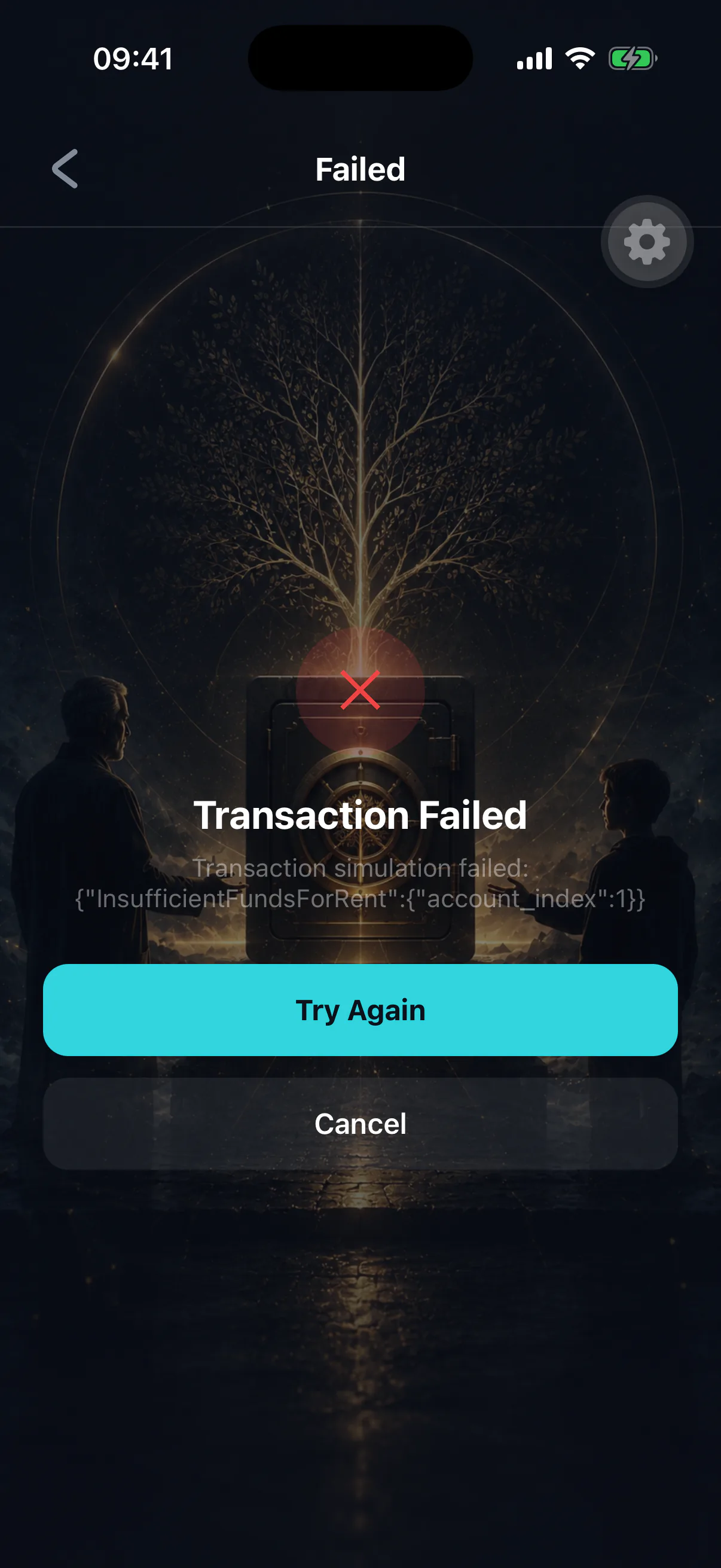
That is why a failure you see in the app usually leaves no trace in your history: there was no transaction to record.
Check what actually happened
A transaction that was submitted produces a signature. Find it in your history — one that reached the chain and failed is marked Failed there — and look it up on a public Solana block explorer. That gives you the authoritative result and, usually, the exact error the program returned.
The common causes
Not enough SOL for the fee. The most frequent. Every action costs SOL, including sending a token you have plenty of. Top up and retry.
Blockhash expired. Solana transactions are only valid for a short window. A slow or interrupted connection can push you past it. Retry — this one is almost always transient.
Slippage exceeded, on a swap. The price moved past your tolerance, so the trade was abandoned rather than filled badly. That is the protection working. Retry, or widen tolerance slightly — cautiously. See swapping tokens.
Insufficient balance. Including the case where you tried to send your entire SOL balance and left nothing for the fee.
Network congestion. Under heavy load, transactions can be dropped before inclusion. Retry after a pause.
A missing token account. Sending an SPL token to an address that has never held it requires creating an account for it, which costs a small rent deposit from you.
Inheritance-specific failures
These come from the on-chain program's own constraints, and each has a precise meaning:
- Too early to claim
The owner's inactivity timer has not fully elapsed. Nothing to fix; wait.
- Heir not confirmed
The heir has not signed their acceptance. See accepting the heir role.
- Challenge not elapsed
Finalization attempted before the window closed.
- Claim already finalized
Owner actions are refused once an estate has settled. See I missed my check-in.
- No active claim
A cancel or finalize was attempted with no claim in progress — often because the owner's activity already cleared it.
- Nothing to claim
The inheritance vault holds no withdrawable balance.
If a check-in fails
Take it seriously rather than trying later. A heartbeat that does not land is a timer that did not reset.
Confirm the transaction succeeded on the inheritance screen — the countdown should visibly restart — and make sure you hold enough SOL to fund future check-ins.
When to retry, and when not to
Retry freely for expired blockhashes, congestion and slippage. Do not retry repeatedly when a program constraint rejected the action — the constraint will reject it again, identically, until the underlying condition changes.