
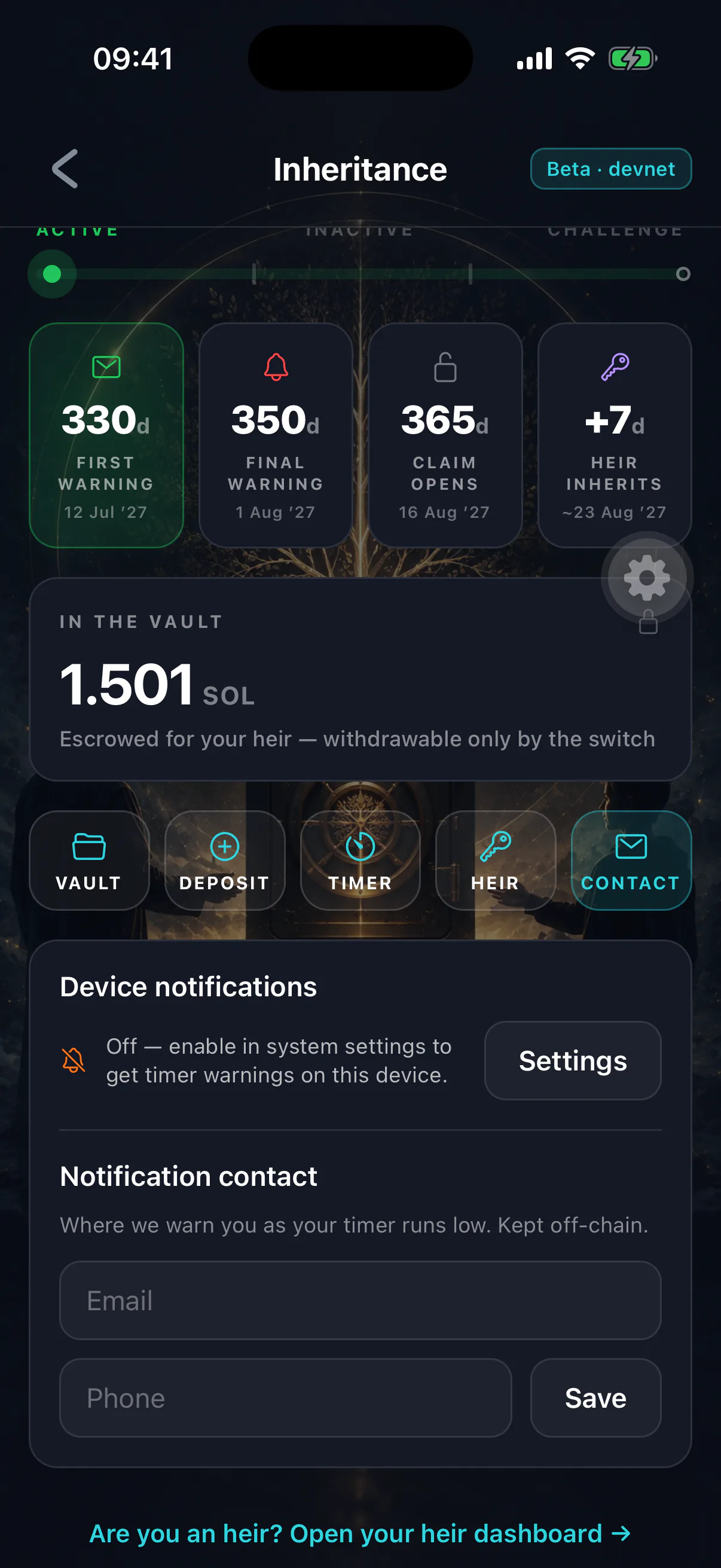
The warnings before your timer matures are the safety net that prevents an accidental inheritance. If they are not arriving, fix it rather than living with it.
Check in order
- 01
OS permission
Settings → Notifications → Legacy Wallet. Allow must be on. There is no prompt at first launch, so a permission you never granted is very likely the cause.
- 02
Focus, Do Not Disturb and scheduled summaries
A Focus mode or notification summary can silence or delay alerts entirely. Allow Legacy Wallet through, or mark it time-sensitive where the OS offers that.
- 03
Android channels
Android groups notifications into channels. Check that the inheritance channels are enabled individually — the app can be allowed while a specific channel is muted.
- 04
Open the app
Warnings are scheduled from the timer state the device last saw. An app that has not been opened in a long time may be working from stale information.
- 05
Battery optimisation
On Android, aggressive battery saving can suppress scheduled notifications. Exclude the app if warnings are being missed.
The two channels
- Scheduled on the device
Computed from timestamps the phone already holds. Works offline, needs no server, and is the primary safety net.
- Sent by the watcher
A background service reading public on-chain state. Covers what a device cannot predict — most importantly an heir starting a claim.
Remote push delivery depends on platform configuration that is not complete on every platform during the beta. Device-scheduled warnings are the ones to rely on, and they are also the ones most likely to be blocked by the settings above.
A warning that seems wrong
If a warning fires when you are sure you checked in recently, it is probably a device working from stale state — most often because you checked in on a different phone.
Open the app. The inheritance screen reads the chain directly and will show the true countdown. Never dismiss a warning without confirming, since the cost of being wrong is asymmetric.
Warnings never assert your status
They say to open the app, because a device can be out of date and the chain is the only authority. Treat a warning as a prompt to check, not as a statement of fact.
Do not depend on them
Notifications are a backstop, not the plan. The plan is opening the app often enough that the warnings never fire at all — on a one-year timer, once a quarter keeps you permanently clear. See the heartbeat and checking in.
If you know a long silence is coming, lengthen the timer beforehand rather than relying on a warning finding you.