
Two numbers, and they pull in opposite directions.
The inactivity timer is how long your silence must last before your heir can open a claim. Longer is safer for you, slower for them.
The challenge window is how long after a claim before it can finalize. Longer gives you more chance to interrupt a claim you did not want; shorter means a genuine heir waits less.
The presets
Standard presets
- 1 month
- Challenge window 7 days
- 3 months
- Challenge window 7 days
- 6 months
- Challenge window 7 days
- 1 year — recommended
- Challenge window 7 days
- 2 years
- Challenge window 14 days
- 3 years
- Challenge window 30 days
You can also enter custom spans. The challenge window must be shorter than the inactivity timer, and both have sanity limits.
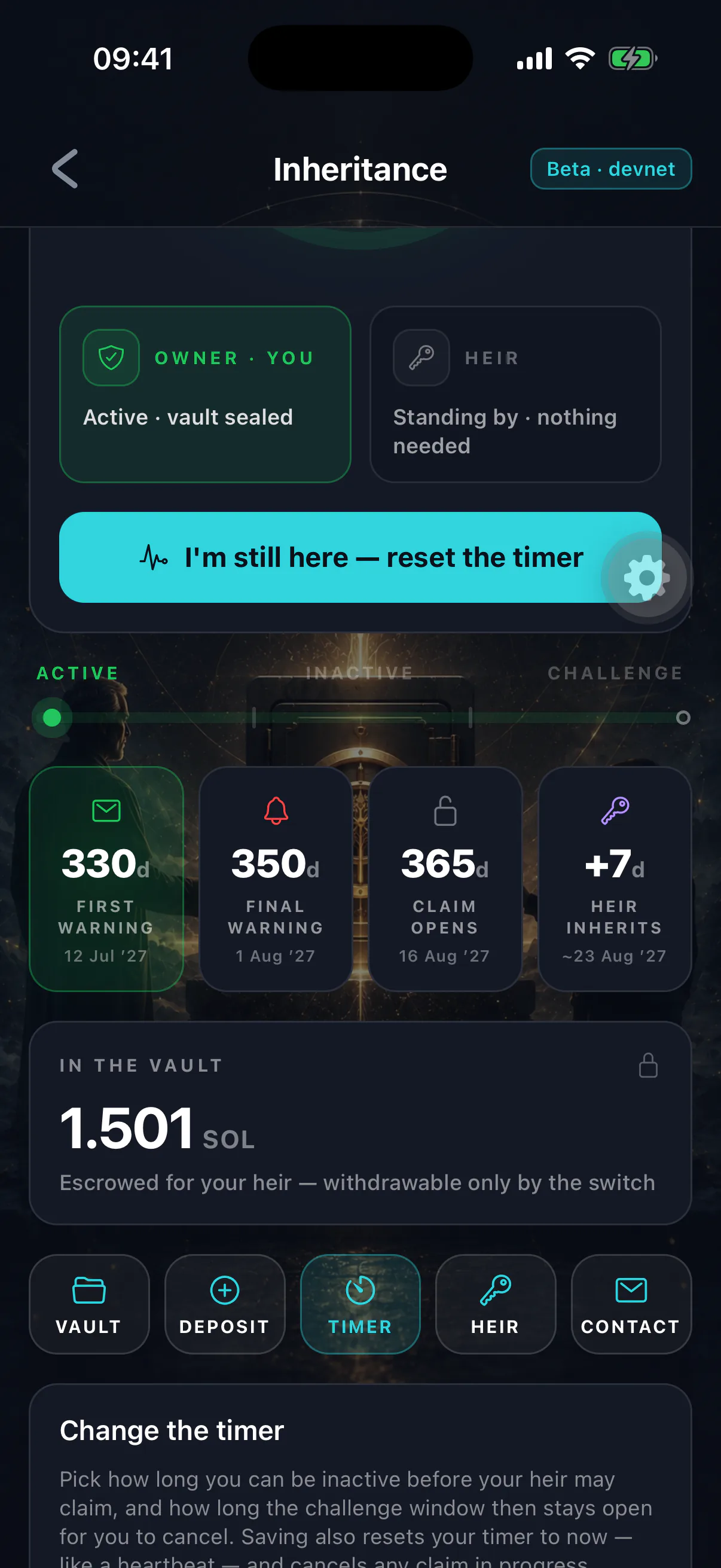
Picking one
One year suits most people. It is long enough that ordinary life — a long trip, an illness, a phone you replaced and forgot to set up — cannot trip it, and short enough that your heir is not left waiting years after a genuine death.
Shorter than three months demands real discipline. You must open the app reliably, forever, including during the periods when you are least likely to. Choose it only if the alternative — a long delay for your heir — genuinely matters more.
Two or three years is for people who expect long gaps and would rather the system erred heavily towards caution. The trade is that your heir may wait a very long time after you are gone.
The timer is not a deadline, it is a gap
It measures the gap since your last activity, and resets on every single action. Someone who opens the app once a month never gets within eleven months of a one-year timer.
The challenge window, specifically
Seven days is the default for good reason. It is long enough to survive a holiday, a hospital stay or a lost phone, and short enough that a grieving heir is not left in limbo.
Lengthen it if you are frequently unreachable. Shorten it only with real care: the challenge window is your last line of defence against a claim you did not want, and it is the one that runs when you are least likely to be paying attention.
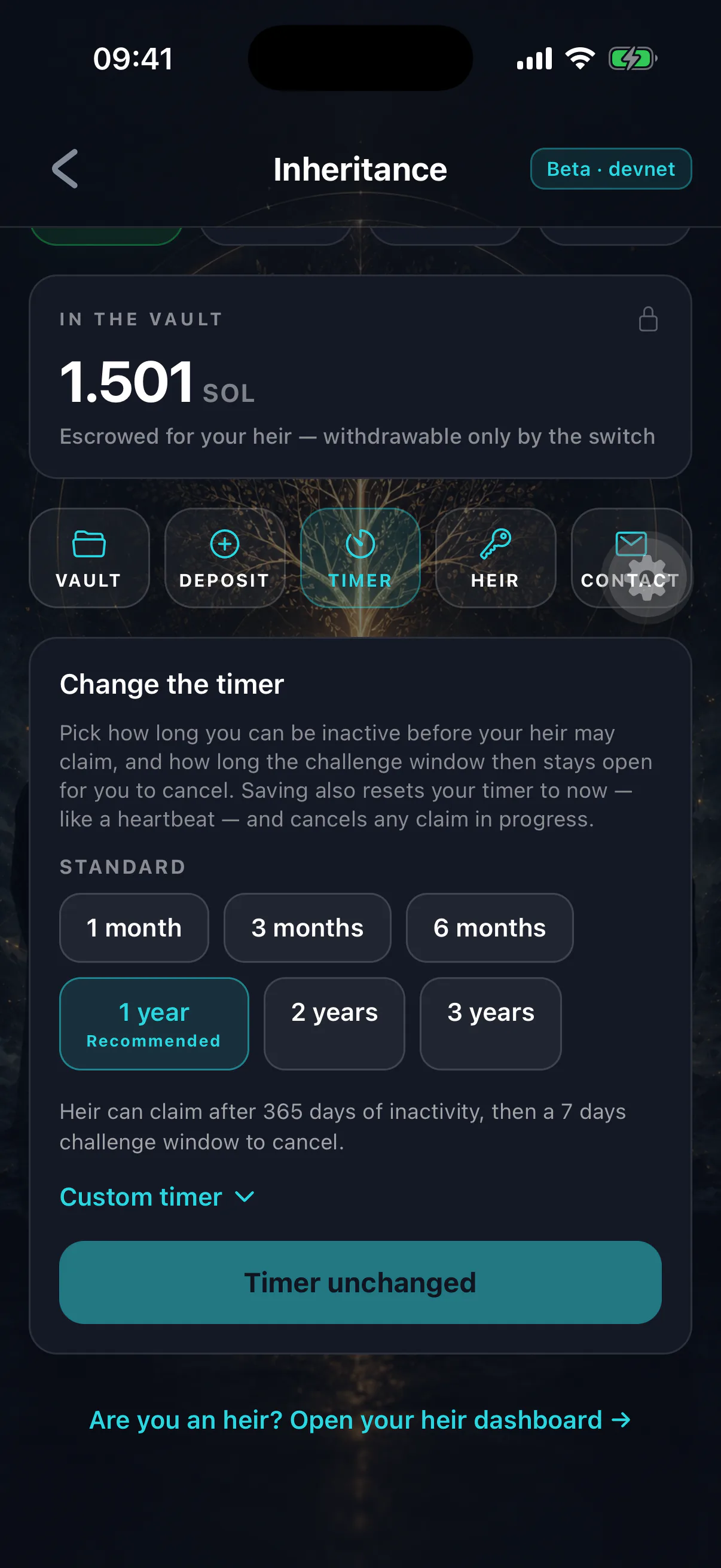
Testing timers
In development builds, minute-scale presets let you watch the full lifecycle — lapse, claim, challenge, finalize — in a few minutes rather than a year. They exist so you can rehearse the process rather than trust a description of it.
Never leave a testing timer on a real configuration
A five-minute inactivity timer means a claim becomes possible the moment you put your phone down. Set your real spans back before you deposit anything you care about.
Changing it later
You can change both spans at any point before a claim finalizes. The change takes effect immediately and counts as activity, so it also resets your heartbeat.
Lengthening the timer while a challenge is running does not help you — but you do not need it to, because any owner activity cancels the claim outright. See cancelling a claim.